Self-hosted meeting AI
Meeting Notetaker
The AI notetaker that runs on your own server: it records Meet, Teams and Zoom and turns every conversation into decisions and tasks.
- platforms: Meet, Teams and Zoom
- 3
- commits in 11 weeks
- 296
- test files
- 140
- database migrations
- 34
Figures measured from the repository.
Context and problem
Sales teams spend their days in meetings, and almost nothing said there survives them. Taking notes competes with running the conversation, recording depends on someone remembering, and off-the-shelf notetakers keep the content, sometimes sensitive, outside the team’s control.
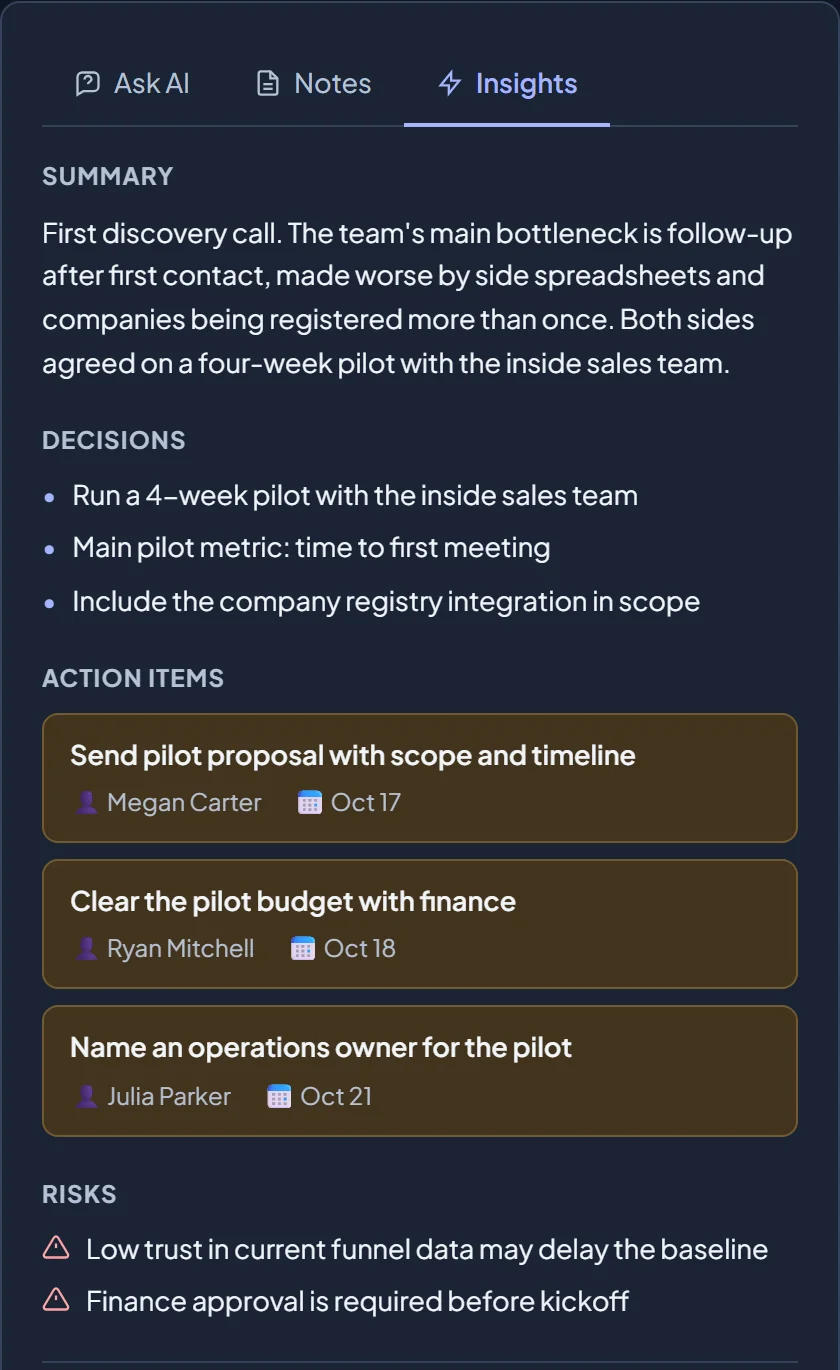
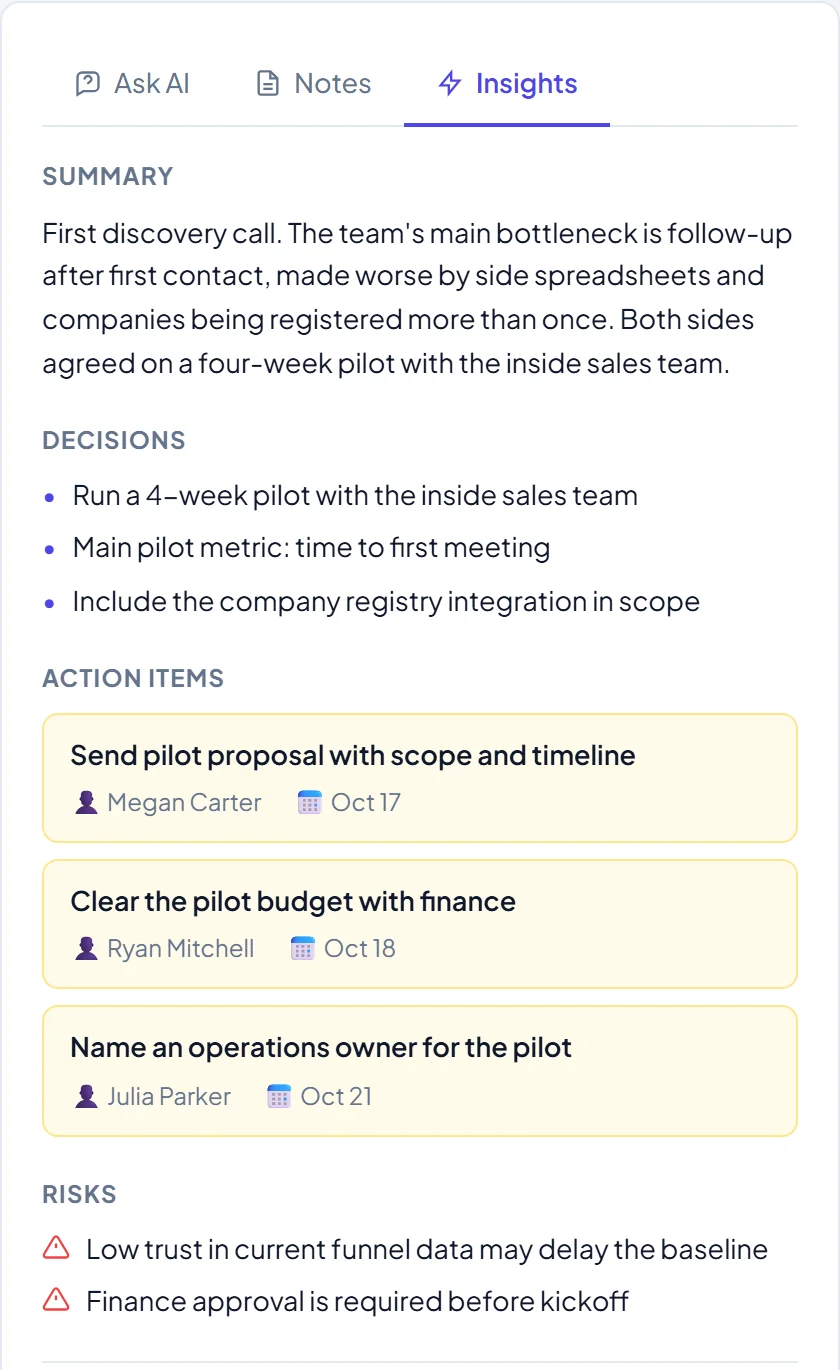
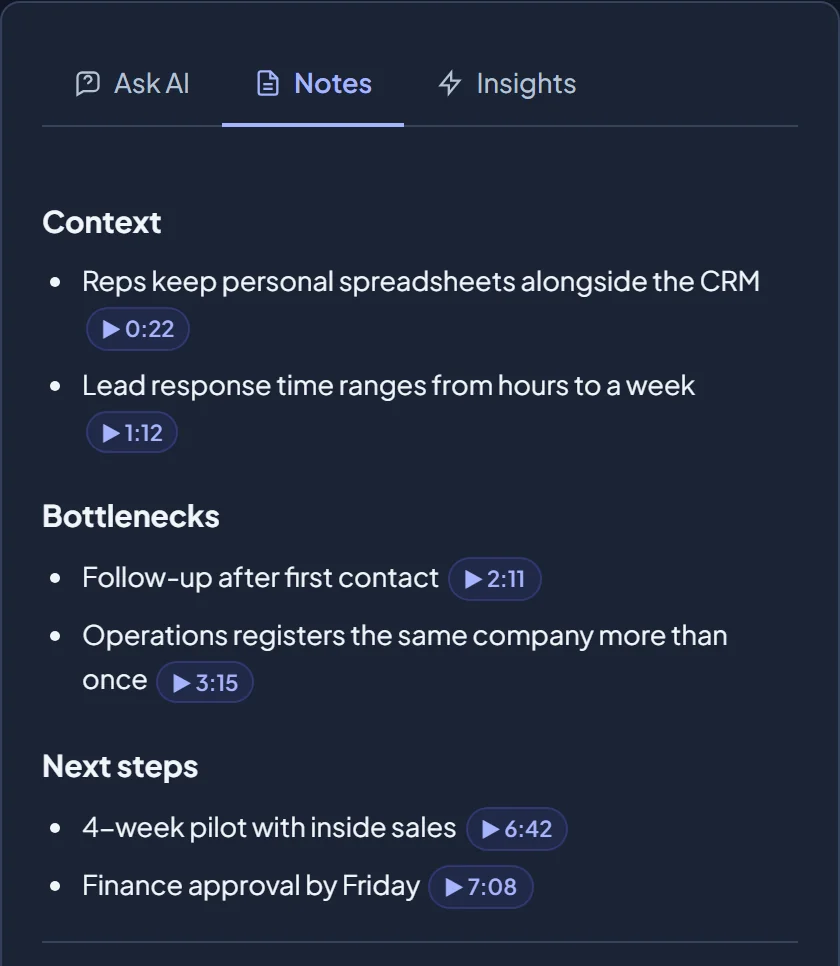
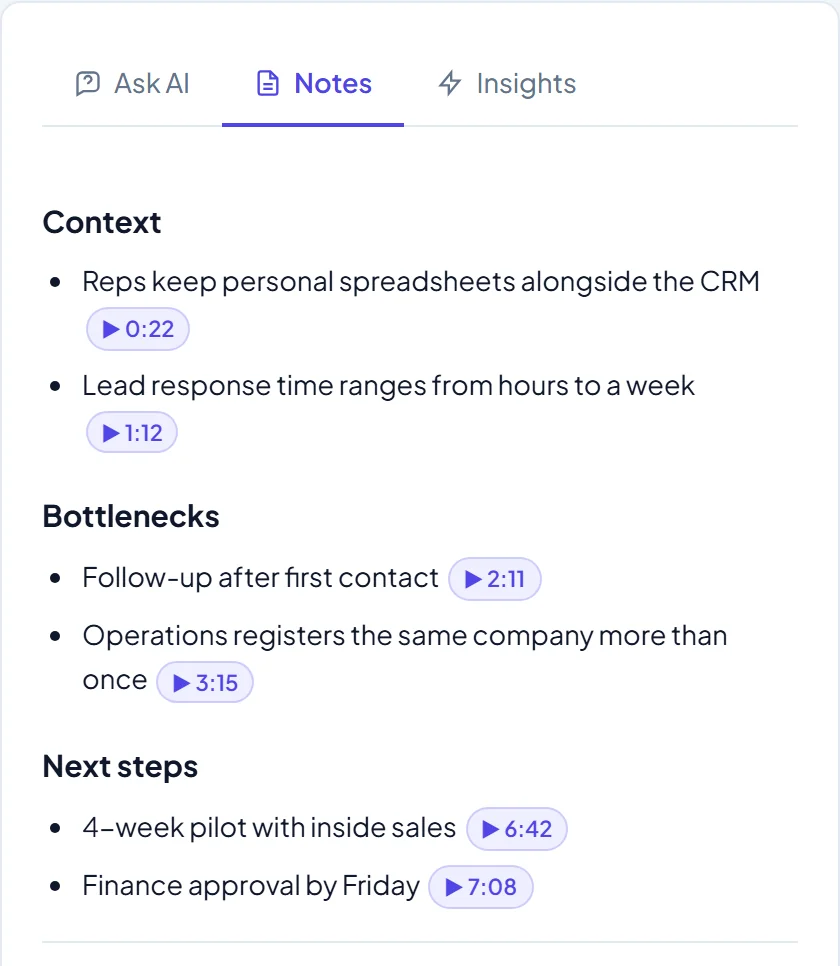
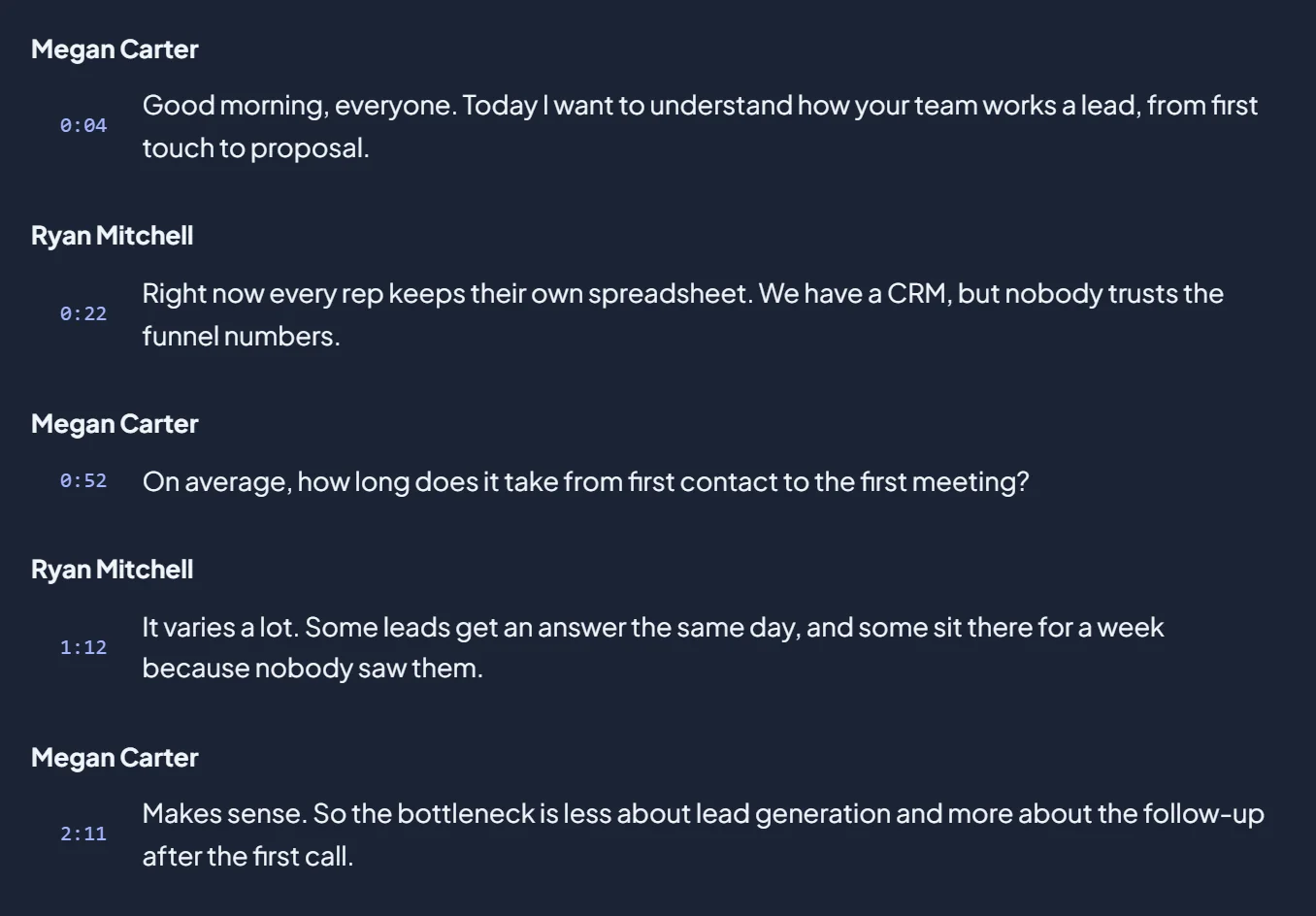
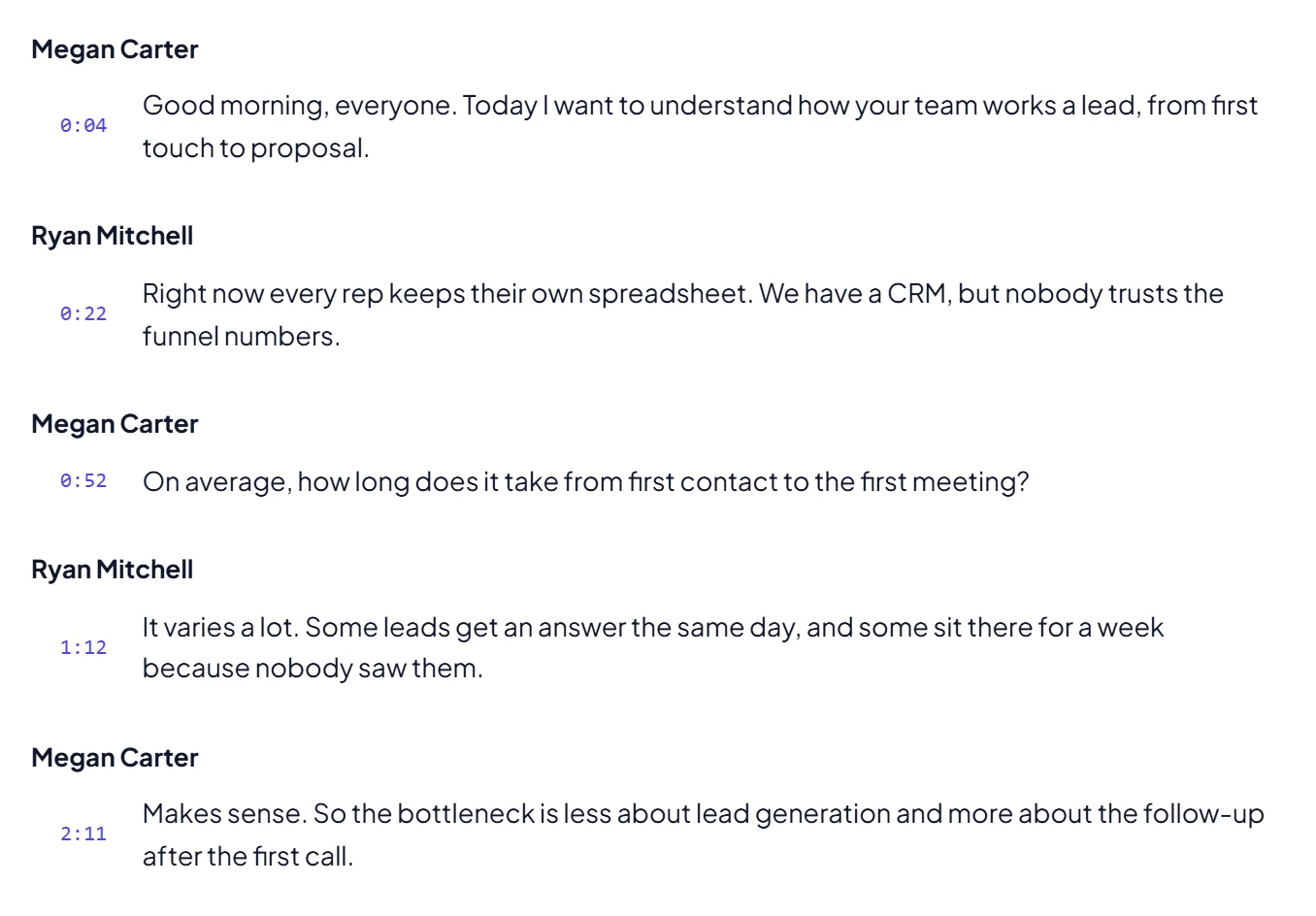
The notetaker covers the whole path, from the calendar to a summary you can share. A bot joins the meeting on its own, records, transcribes with speaker labels and delivers notes with clickable timestamps, decisions, action items and risks. Everything is hosted by the team itself, with the database, storage and AI model it chooses.
Constraints I set myself
- Self-hosted and pluggable. Storage (any S3-compatible store such as AWS, Backblaze or MinIO, or SharePoint), transcription and LLM (Anthropic, OpenAI or Google) are swappable providers, configurable from the admin panel.
- Join as a guest. The bot must not depend on a corporate account on every platform.
- No duplicate recordings. Two bots writing to the same recording is worse than missing the meeting.
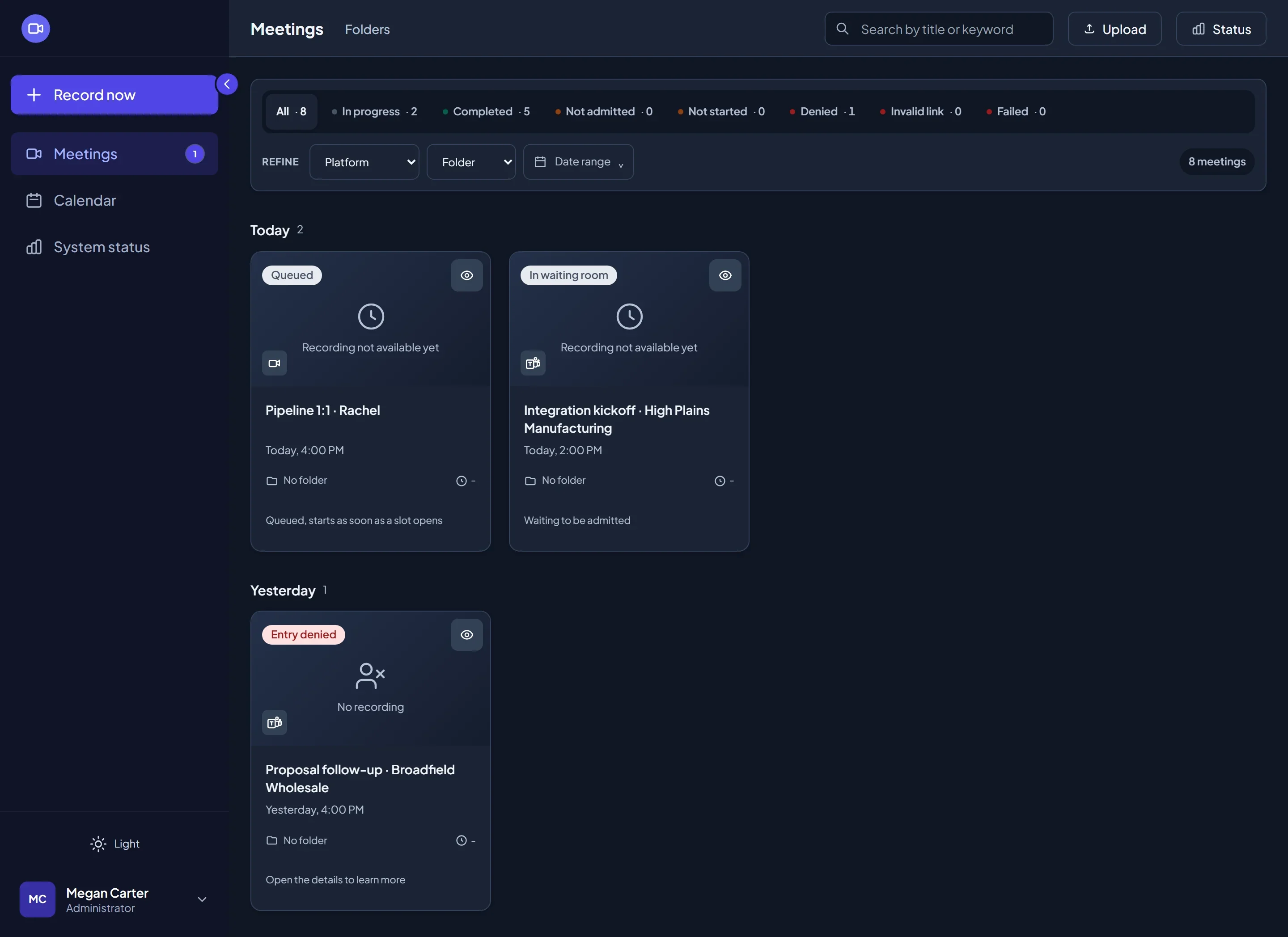
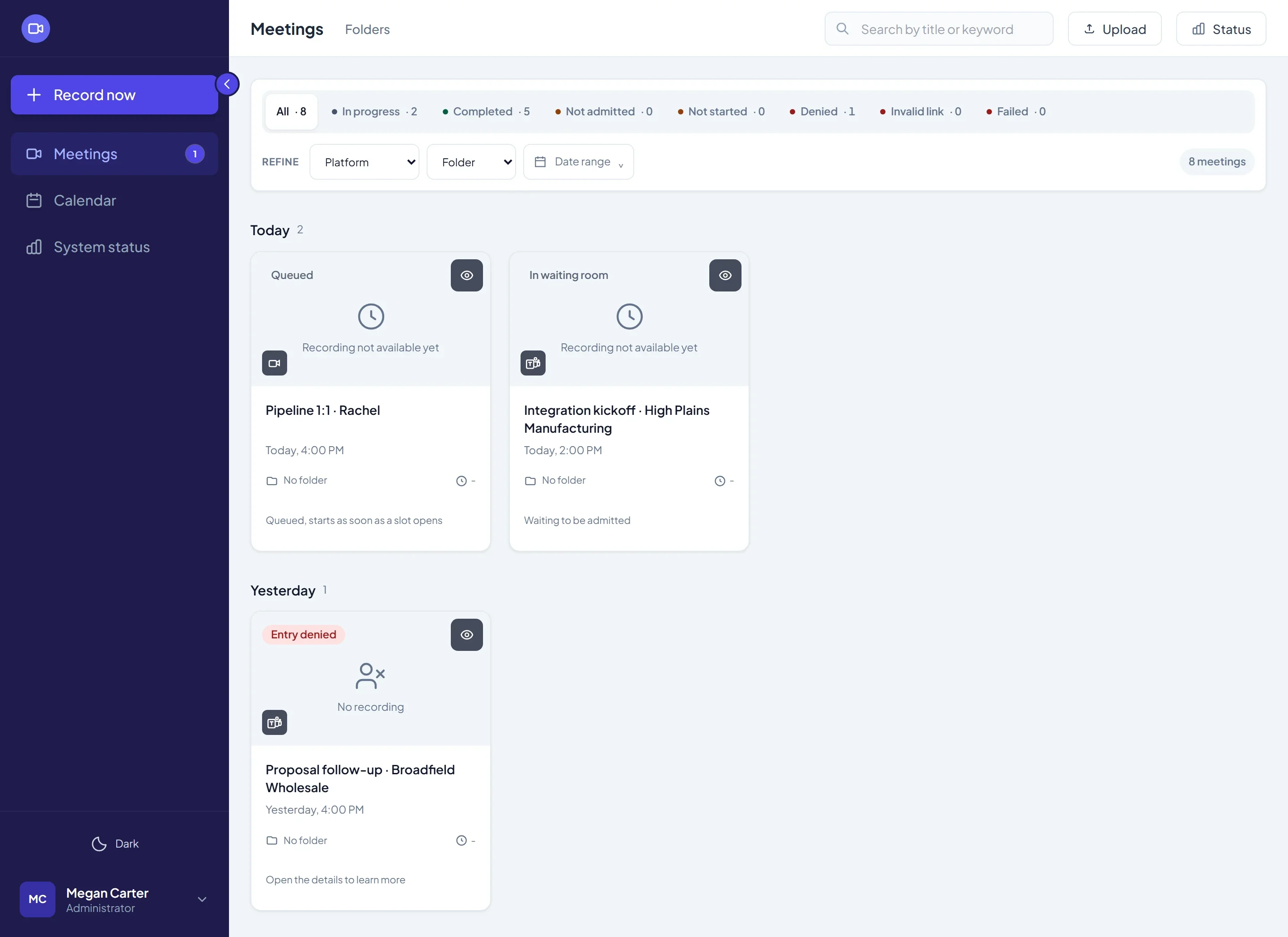
- Honest status. Whoever reads the list must know why a meeting was not recorded, without reading container logs.
- Role-scoped data (admin, manager, member) enforced in the queries, not just in the UI.
Decisions that shaped the product
Architecture
The calendar or the "Record now" button queues the meeting. A headless browser joins as a guest and captures audio and video. Every file goes through a quality gate before upload. Then come speaker-labelled transcription, LLM notes and insights, and search indexing.If the bot lands in a waiting room, it checks every 3 seconds and tells "denied", "not admitted" and "meeting not started" apart. The retry policy only re-queues before capture starts: once recording begins, the failure is recorded and the meeting is not re-queued, to avoid a second bot in the same room.
Everything runs as a containerized modular monolith: API, scheduler and recording workers share code and database, and scale by replicas. The bot never waits for the network to “go idle” on Teams, because the platform keeps websockets open forever. A guard test stops anyone from reintroducing that wait.
My role
I designed and built the pipeline end to end and ran it in production: CI on a self-hosted runner (from 10 min to about 3 min), images with no high-severity vulnerabilities, and watchdogs that fail any stuck stage instead of leaving it hanging forever.
What the product delivers
- Automatic joining from the Microsoft 365 calendar, the “Record now” button, an e-mail invite or a browser extension.
- Speaker-labelled transcription (AssemblyAI or Deepgram, with retry and backoff) and notes with timestamps that jump to the exact moment in the video.
- Structured insights (summary, decisions, action items and risks), with per-team prompts and a panel to ask the AI about the meeting.
- Search, folders and sharing by e-mail, domain, team or public link, with roles and team scoping.
What I would do differently
- Start with an authenticated Teams bot. Joining as a guest was a deliberate constraint and kept things simple, but meetings restricted to the organization will not let the bot in. That is today the biggest limit on the recording rate.
- Not build the multi-worker architecture ahead of need. It exists and is tested, but volume does not justify it yet; replicas of the monolith were enough.
- Make transcription failures visible. A transcription that fails in the background is not yet surfaced prominently in the UI.